 Kashifa Jafar
Technology Writer & Contributor
Kashifa Jafar is a technology writer and
contributor with 4+ years of experience
creating clear and reader-friendly
technology content.
Read Full Bio of Author →
Kashifa Jafar
Technology Writer & Contributor
Kashifa Jafar is a technology writer and
contributor with 4+ years of experience
creating clear and reader-friendly
technology content.
Read Full Bio of Author →
 Sameena Begum
Technology & Digital
Content Reviewer
Sameena Begum is a technology and digital content reviewer who reviews selected articles to help ensure that information is presented clearly, accurately, and responsibly.
Read Full Bio of Reviewer →
Sameena Begum
Technology & Digital
Content Reviewer
Sameena Begum is a technology and digital content reviewer who reviews selected articles to help ensure that information is presented clearly, accurately, and responsibly.
Read Full Bio of Reviewer →
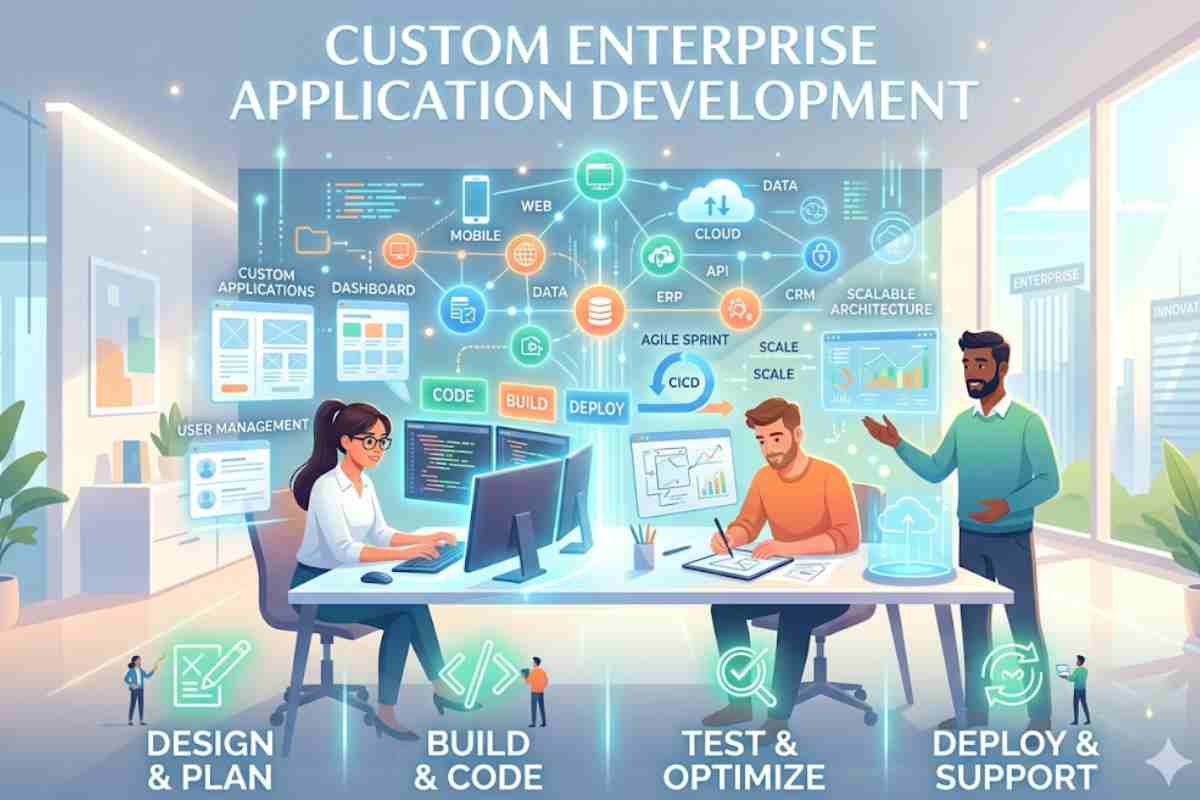
Customer enterprise application development platforms have taken the guesswork out of app development. To develop custom business applications primarily designed to fit and simplify your process, you don’t necessarily need to be a professional or have the highest programming degree. It will make you better and more efficient, but you can also design and develop applications that your customers will use to get the best service possible.
Table of Contents
What is Customer Enterprise Application Development?
Customer enterprise application development refers to the design, creation, deployment, and scaling of business applications tailored to customer-facing processes such as:
- CRM systems
- Customer portals
- Mobile apps
- Self-service dashboards
- E-commerce platforms
- Support & ticketing systems
Unlike generic apps, these are:
- Highly customized
- Integrated with enterprise systems
- Scalable and secure
Modern application development continues to evolve rapidly, and keeping up with the latest software development trends helps businesses build more scalable and efficient solutions.
Why is Customer App Development So Important?
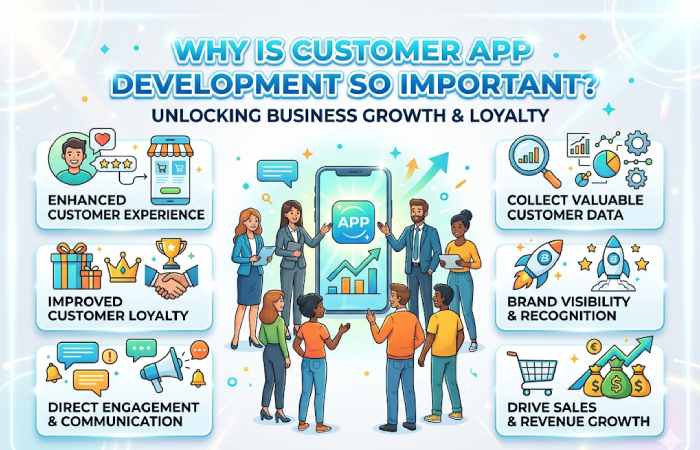
It is no news that millions of people worldwide have neglected their desktops and computers for their mobile phones; it is not surprising that the rate of mobile device use is high. They prefer to use custom apps for search and information, so being ahead of the game is a bonus to get you to the top. With your creative mindset and custom app growth, you can develop a unique user experience.
Making use of the custom app will allow you to do the following things:
- Select the icon, navigation bar colour, and the app name you want.
- Adding everyday and custom objects.
- Use permissions to control which operators have access to your app.
Admins can develop different apps so each team can have a personal space to track whatever information they need.
Businesses often rely on a remote development team to access specialized talent and maintain development efficiency across different time zones.
Enterprise App Architecture (Modern Stack)
Core Layers of Enterprise Applications
| Layer | Description | Tools/Technologies |
| Frontend | User interface (Web/Mobile) | React, Angular, Flutter |
| Backend | Business logic & APIs | Node.js, Java Spring Boot |
| Database | Data storage | PostgreSQL, MongoDB |
| Integration | Connect external services | REST APIs, GraphQL |
| Cloud/DevOps | Hosting & scaling | AWS, Azure, GCP |
Types of Customer Enterprise Applications
| Type | Use Case | Example |
| CRM Systems | Customer management | Salesforce |
| Customer Portals | Self-service | Banking apps |
| E-commerce Apps | Selling products | Shopify apps |
| SaaS Platforms | Subscription services | Slack |
| Mobile Apps | Customer engagement | Swiggy |
Small Customer Apps Development
Applications are not created for fun or play alone. Today, many small business apps are essential to the success of businesses. Therefore, bright and goal-oriented entrepreneurs should have them on all their devices.
As an entrepreneur, you already have many responsibilities. So being personally in charge of your business puts you in order of all the things that donate to the achievement of your business, such as:
banking, budgeting, accounting, planning, employee organization, customer management, inventory tracking, quality assurance, marketing plans, complaints, requests, equipment, financing, etc.
Here are some of the small business app examples:
1. Quick Books
QuickBooks is accounting software that helps run your business efficiently and provides insight into your business’s overall financial status.
2. Lettuce
This software is an all-in-one application for small businesses that you can significantly benefit from. It has inventory management with some other valuable features. Such as sales and payment management, customer association maintenance, etc.
3. Amex Mobile
Amex Mobile is an investment app that gives you mobile access to your bank account and statements. It also has excellent extra layers of security if you’re worried about how customer enterprise application development saves the app. This app also provides fingerprint authentication.
4. Wally
Wally is a unique app for small businesses. It is entirely different from other budgeting apps. You can scan receipts and incorporate them directly into your financial planning. So, for customer enterprise application development there is no delay in waiting. It also syncs with your bank statements, or you can enter your expenses manually.
Development teams should regularly review their testing strategies and follow proven unit testing best practices to avoid misleading test results and hidden software defects.
Enterprise App Development Cost Breakdown (India vs Global)
| Region | Basic App | Mid-Level App | Enterprise App |
| India | ₹3L – ₹10L | ₹10L – ₹40L | ₹40L – ₹2Cr+ |
| USA | $20K – $80K | $80K – $250K | $250K – $1M+ |
| Europe | €15K – €70K | €70K – €200K | €200K – €800K |
| UAE | $15K – $60K | $60K – $180K | $180K – $600K |
Examples of Customer Apps Development for Smart Phones
1. Loose
Slack is a project management and collaboration app. It helps streamline the communication process between your team members. It also keeps track of progress, improves discussion and mastermind, and streamlines your team members’ efforts on fully completed projects.
2. Dropbox
Dropbox is another means to store in the cloud on your phone. It has a humble and friendly interface that makes it less complicated and stress-free. Your team members can easily access, edit, and comment on files.
3. Buffer
Buffer helps you combine your social media channels in one place and allows you to post chronologically across all social media platforms. He also enables you to schedule your posts in advance, organize them neatly, and examine their performance.
4. Monday
Monday is an app that helps spread information, share ideas, strategize, and work in harmony to complete your projects and tasks with your team members.
For online stores, experienced Shopify developers can help create customized e-commerce solutions that improve performance and user experience.
Customer Business Apps with Power Apps
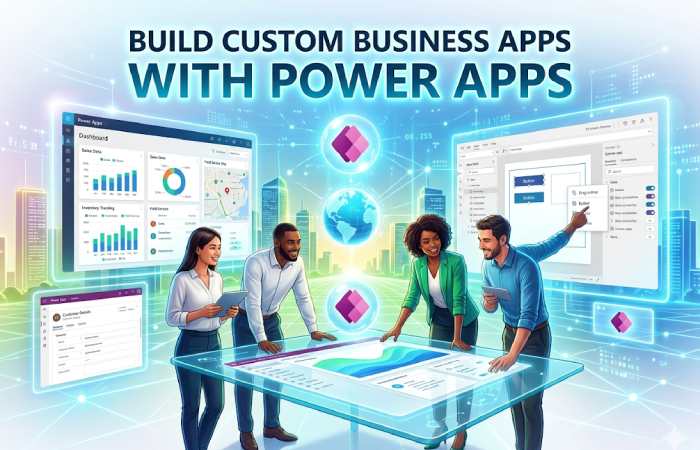
As we already discovered in the article on Microsoft Power Platform, it is about Microsoft’s commitment to development platforms without code or low code, which will also allow us to automate processes and tasks with Power Automate, analyze and exploit data with Power BI or create conversational agents with Power Virtual Agents
What are Power Apps?
Power Apps is a tool that allows us to create custom enterprise application development applications that generate added value immediately and efficiently. Following a few elementary steps, we can have applications that make it easier to carry out our performance. In addition, we will be able to use many connectors to different data sources, and we can even use custom connectors if we need them. We also have Common Data Services, a data warehouse available in the cloud and compatible with all the tools that make up the Power Platform.
What Types of Applications can we Create?
We will be able to create three types of applications Canvas, Model-driven, and Portals.
Canvas applications or Canvas Applications are applications that will be created basically customer enterprise application development by dragging and dropping elements as if we were designing a PowerPoint presentation and with formulas similar to those we use in Excel. We will be able to create Power Apps applications directly from other Microsoft products, such as SharePoint Online or Power BI. We can also create Canvas applications from the data source, which will generate a default application that we will be able to customize to our liking.
A structured approach to web project planning helps development teams define requirements, timelines, and project milestones more effectively.
Top Enterprise App Development Platforms
Platform Comparison Table
| Platform | Type | Pricing | Best For | Website |
| Microsoft Power Apps | Low-code | ₹1,200–₹3,500/user/month | Enterprises | https://powerapps.microsoft.com |
| OutSystems | Low-code | $4,000+/month | Large enterprises | https://www.outsystems.com |
| Mendix | Low-code | €50–€2,000/month | Rapid dev | https://www.mendix.com |
| Salesforce Platform | SaaS/CRM | $25–$300/user/month | CRM apps | https://salesforce.com |
| Zoho Creator | Low-code | ₹600–₹2,500/user/month | SMBs | https://zoho.com |
| Appgyver (SAP) | No-code | Free–Enterprise pricing | Startups | https://appgyver.com |
| Bubble | No-code | $29–$529/month | Web apps | https://bubble.io |
Country-Wise Platform Pricing Comparison
| Platform | India Price | USA Price | Europe Price |
| Power Apps | ₹1,200/month | $15/month | €13/month |
| Zoho Creator | ₹600/month | $8/month | €7/month |
| Bubble | ₹2,400/month | $29/month | €27/month |
| OutSystems | ₹3L+/month | $4,000/month | €3,500/month |
Competitor Analysis (Top Players)
| Company | Strength | Weakness | Pricing Level |
| TCS | Enterprise expertise | Expensive | High |
| Infosys | Scalable solutions | Slow delivery | High |
| Accenture | Global reach | Very expensive | Very High |
| Capgemini | Strong consulting | Complex pricing | High |
| Cognizant | Tech innovation | Mid flexibility | Medium-High |
| Zoho | Affordable | Limited enterprise depth | Low |
Best Use Cases by Industry
| Industry | Application Type |
| Healthcare | Patient portals |
| Finance | Banking apps |
| Retail | E-commerce apps |
| Education | Learning platforms |
| Logistics | Tracking systems |
Understanding how to resolve permission denied errors can reduce downtime and streamline application deployment processes.
Customer Enterprise App Development Platforms (2026)
What Are Enterprise App Development Platforms?
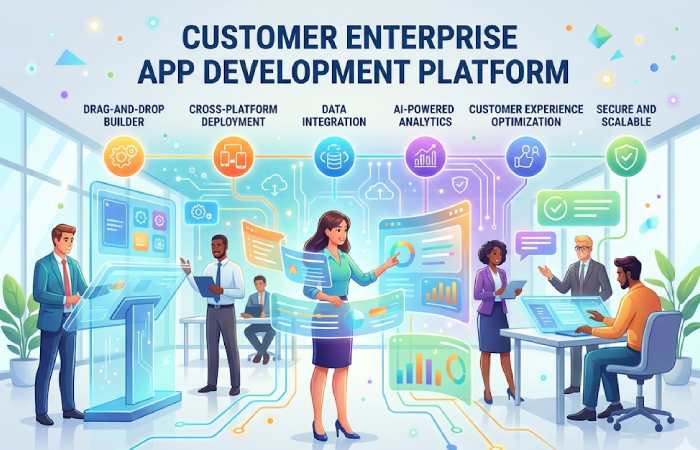
Enterprise app development platforms (especially low-code / no-code) allow businesses to build customer-facing applications like:
- CRM systems
- Customer portals
- Mobile apps
- Workflow automation tools
These platforms use visual development, AI, and prebuilt integrations to reduce coding effort and speed up deployment.
In fact, 75% of new apps are expected to be built using low-code platforms by 2026.
Top Customer Enterprise App Development Platforms
Best Platforms (Enterprise-Ready)
| Platform | Type | Best For | Starting Price |
| Microsoft Power Apps | Low-code | Microsoft ecosystem | ~$20/user/month |
| OutSystems | Low-code | Large enterprises | ~$36,300/year |
| Mendix | Low-code | Scalable enterprise apps | ~$75/app/month |
| Appian | Low-code | Workflow automation | Custom pricing |
| Salesforce Platform | SaaS + Low-code | CRM apps | $25–$300/user/month |
| ServiceNow App Engine | Low-code | IT workflows | Custom |
| Zoho Creator | Low-code | SMB + enterprise | ₹600/month |
| Google AppSheet | No-code | Internal tools | ~$5–$10/user/month |
| Oracle APEX | Low-code | Database-driven apps | Free + cloud cost |
| Retool | Low-code | Internal dashboards | $10–$50/user/month |
Platforms like OutSystems, Mendix, and Power Apps dominate enterprise-grade development due to scalability and governance features.
FAQ
What is the cost of enterprise app development in India?
₹3 lakh to ₹2 crore+ depending on complexity.
Which platform is best for enterprise apps?
Microsoft Power Apps, OutSystems, and Salesforce.
Is low-code better than traditional development?
Yes, for faster deployment and lower cost.
How long does development take?
- Basic: 1–3 months
- Enterprise: 6–18 months
Conclusion
Think of the usual process necessary to develop an application, from when a user needs until a development team delivers an application that covers 100% of said need. Imagine that the user could make his application that meets that need without having any development knowledge and even share it with other people.
Kashifa Jafar is a technology writer and contributor with 4+ years of experience covering AI, cloud computing, mobile technology, software, networking, cybersecurity, and emerging technology.
View Author Profile →
Sameena Begum is a technology and digital content reviewer who reviews selected articles to help ensure that information is presented clearly, accurately, and responsibly.
View Reviewer Profile →