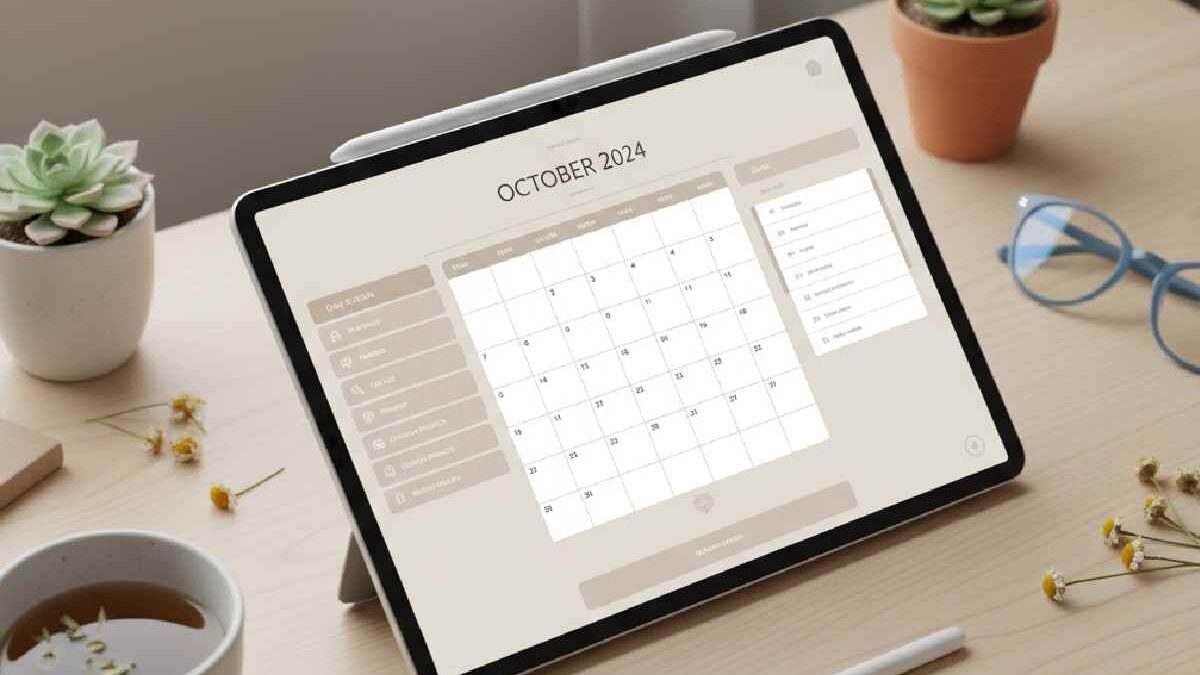
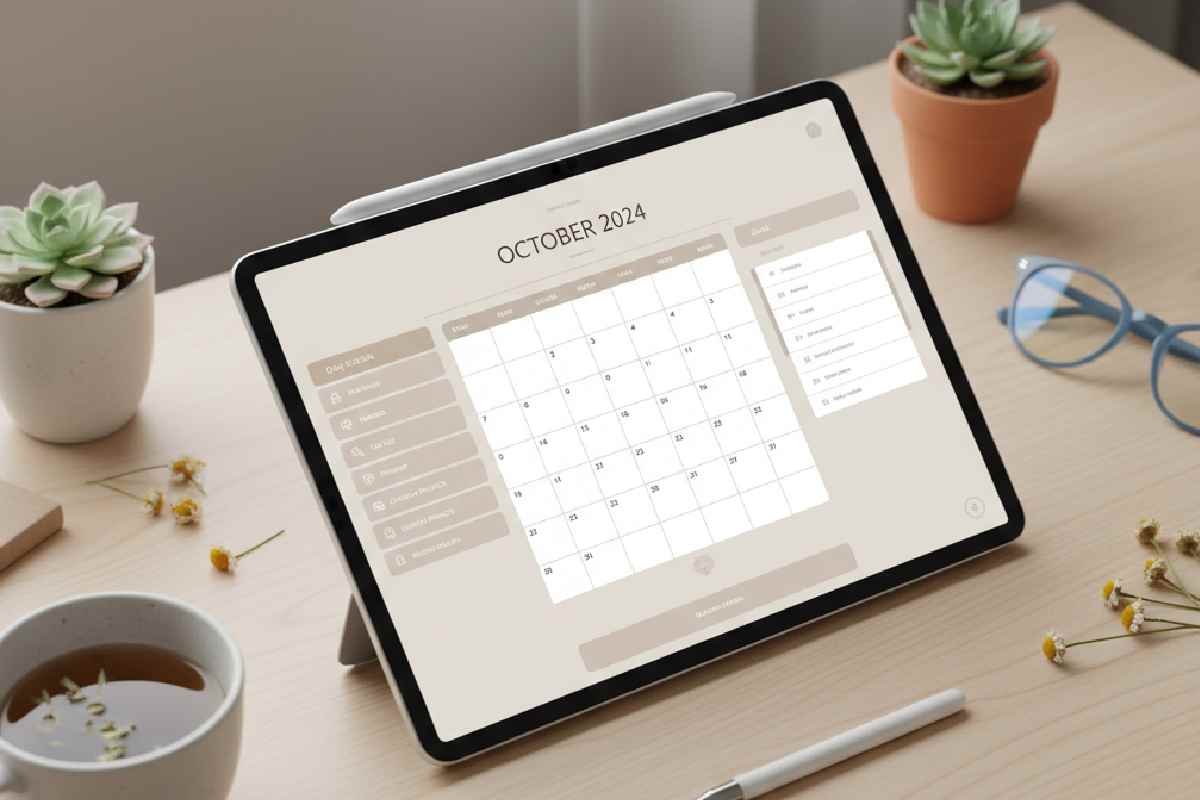
A digital planner is an interactive, hyperlinked PDF or app-based planning system designed for tablets, smartphones, and computers, allowing users to organize tasks, schedules, finances, goals, habits, and life management digitally using stylus or keyboard input.
Digital planner for iPad and Android is one big ordered and linked PDF, so you can organize yourself the way you want. It is timeless, has no date, and customize it whenever you want. It will arrive at the moment and use it ad nauseam. Digital planner is a planner without dates, which you can use as many times as you want. It’s a handy, linked PDF to help you stay better organized. It is suitable for Android and iPad, and you can also use it from your computer.
Table of Contents
Features – Digital Planner
- Digital agendas are suitable for Android and iPad.
- You will need one of these applications to use it: good notes, notability, XODO, note shelf, or similar.
- Using it from the iPad will be linked to your iPhone.
- You can use it from your computer.
- You can use it for as many years as you want.
- Horizontal lines are written with three different models.
- As soon as you buy it, you will receive it in your email automatically
- You can add pages to taste.
- Payment with PayPal or a card
- Sales policy and terms and conditions
- the digital planner without dates
- 4,50€
What’s in the Planner
You can use Xodo or notability for Android and good notes for iPad. You can also use it from your computer. These are my tips, but if you know other apps, you can also use them to write in the planner. This planner does not have dates, so you can use it this year, next year, and whenever you want. Once you buy it, you can duplicate pages, paint, write, point, etc. And now, I will tell you what organization sheets it contains:
- Six Covers
- One sheet with 12 blank calendars
- One vital date sheet with space for 12 months
- One sheet to plan your year
- Three pages for annual project planning. With four calendars on each page. You can duplicate any page at pleasure.
- Twelve monthly planners for you to complete with the months you want. They can be months in a row or months of different years, as you wish.
- Tasks of the month twelve pages. If you have more jobs a month, you can duplicate the page.
Three Different Models Organization
Weekly, three different models organization 52 pages. From each week, you will be able to access a daily organization in case the available space is not enough. You can duplicate this page as many times as you want, each day of the week, for example. You can complete it with the day, month, year, etc.
- One timetable page that you can duplicate
- 12 monthly menus with their corresponding shopping list
- 12 travel organization pages: in each trip, you will find three different sections: general organization, itinerary, and notes
- Study and reviews: 24 pages to organize your tasks and monthly goals, 24 for study and reviews, and 54 for weekly time control. You can duplicate the pages you want.
- List of Four pages, which you can also duplicate.
- Accounting: one page of annual accounting and 12 pages of monthly accounting.
Notes Section
This planner is eternal because once you buy it, you can download it every year, and since it doesn’t have dates, you can use it repeatedly. If you need more planners, schedules, calendars, or whatever, you can duplicate the pages, and the planner will still work perfectly.
You can write with a pencil or the tablet’s keyboard, whichever you feel more comfortable with, no problem also in addition to all the organization sheets, you have a small digital notebook to write down tasks, jobs, projects, draw or do whatever you want. You can find it in the final part of the planner.
Types of Digital Planners (By Usage)
| Planner Type | Best For | Price Range (India) | Price Range (Global) |
| Daily Digital Planner | Task-heavy users | ₹199 – ₹799 | $3 – $12 |
| Weekly Digital Planner | Balanced schedules | ₹249 – ₹999 | $4 – $15 |
| Monthly Digital Planner | Long-term planning | ₹299 – ₹1,499 | $5 – $20 |
| Undated Digital Planner | Flexible lifetime use | ₹299 – ₹1,999 | $4 – $25 |
| Academic Digital Planner | Students & teachers | ₹399 – ₹2,499 | $6 – $35 |
| Business Digital Planner | Entrepreneurs | ₹699 – ₹3,999 | $10 – $60 |
| Financial Digital Planner | Budget & expenses | ₹299 – ₹1,999 | $5 – $30 |
| Fitness Digital Planner | Health & workout tracking | ₹249 – ₹1,499 | $4 – $25 |
Digital Planner Pricing Guide (India – 2026)
| Platform | Planner Type | Typical Price |
| Etsy | Undated planners | ₹350 – ₹2,500 |
| Gumroad | Productivity planners | ₹499 – ₹2,999 |
| Amazon India | Printable planners | ₹199 – ₹1,499 |
| Notion Marketplaces | Notion planners | ₹299 – ₹3,999 |
| Canva Creators | Template planners | ₹249 – ₹1,299 |
| Independent websites | Premium planners | ₹699 – ₹4,999 |
Digital Planner vs Traditional Planner
| Feature | Digital Planner | Paper Planner |
| Reusable | Yes | No |
| Eco-friendly | Yes | No |
| Cloud sync | Yes | No |
| Customization | Unlimited | Limited |
| Portability | All devices | Physical only |
| Long-term cost | Low | High |
| Search functionality | Yes | No |
Best Devices for Using Digital Planners (2026)
Apple Devices
- iPad Pro (M2 / M3)
- iPad Air (M1 / M2)
- iPad Mini 6
- iPhone (with GoodNotes / Notability)
Android Tablets
- Samsung Galaxy Tab S9
- Xiaomi Pad 6
- Lenovo Tab P12 Pro
- OnePlus Pad
Budget Tablets
- Realme Pad X
- Lava Magnum XL
- Fire HD 10
Best Apps for Digital Planning (2026)
| App Name | Platform | Best For | Key Features | Pricing (2026) | Official Resource Link |
| GoodNotes 6 | iPad, iPhone, Mac, Windows (Beta), Android (Beta) | Best overall digital planning | Hyperlinked PDF support, handwriting recognition, cloud sync, powerful organization tools | ₹899/year | https://www.goodnotes.com |
| Notability | iPad, iPhone, Mac, Web, Android (2026) | Audio + handwritten notes | Audio recording synced to handwriting, PDF annotation, document scanning | ₹999/year | https://www.gingerlabs.com |
| Noteshelf 3 | iOS, Android, Windows | Best one-time purchase app | Beautiful templates, handwriting smoothing, PDF planning, no subscription | ₹599 one-time | https://www.noteshelf.net |
| Xodo PDF Reader & Editor | Android, iOS, Windows, Web | Best free digital planner app | Free PDF annotation, cloud sync, hyperlink navigation | Free / ₹1,499 lifetime | https://www.xodo.com |
| Penly | Android, Windows | Best GoodNotes alternative for Android | Designed for digital planners, smooth stylus support, hyperlink navigation | ₹499 one-time | https://penly.net |
| Flexcil | Android, iOS | Best for students & multitaskers | Study tools, split-screen notes, hyperlink planners, advanced highlighting | ₹799 one-time | https://www.flexcil.com |
| Samsung Notes | Samsung Android Devices | Best free Samsung planner app | S-Pen optimization, PDF markup, cloud sync | Free | https://www.samsung.com/in/apps/samsung-notes |
| CollaNote | iPad | Best free iPad planner app | Real-time collaboration, PDF planners, handwriting tools | Free | https://collanote.app |
| Nebo | iOS, Android, Windows | Best handwriting-to-text app | AI handwriting recognition, editable ink, math solver | ₹1,299 one-time | https://www.nebo.app |
| Kilonotes | iOS, Android | Best beginner-friendly app | Templates, stickers, planner support | Free / Premium upgrades | https://kilonotes.com |
App Recommendation by Device
| Device | Best App |
| iPad | GoodNotes 6 |
| iPhone | Notability |
| Android Tablet | Penly / Flexcil |
| Samsung Galaxy Tab | Samsung Notes / Flexcil |
| Windows Tablet | Xodo / Nebo |
| Budget Android | Xodo |
Best Free Digital Planner Apps (2026)
| App | Platform | Link |
| Xodo | Android, Windows, Web | https://www.xodo.com |
| Samsung Notes | Samsung Devices | https://www.samsung.com/in/apps/samsung-notes |
| CollaNote | iPad | https://collanote.app |
| Kilonotes | Android, iOS | https://kilonotes.com |
Paid Digital Planner Apps (2026)
| App | Platform | Price | Link |
| GoodNotes 6 | iOS, Mac | ₹899/year | https://www.goodnotes.com |
| Notability | iOS, Android, Mac | ₹999/year | https://www.gingerlabs.com |
| Penly | Android | ₹499 one-time | https://penly.net |
| Flexcil | Android, iOS | ₹799 one-time | https://www.flexcil.com |
| Noteshelf 3 | Android, iOS | ₹599 one-time | https://www.noteshelf.net |
Which Digital Planner App Should You Choose?
| User Type | Best App |
| Students | Flexcil / GoodNotes |
| Professionals | GoodNotes / Notability |
| Android Users | Penly / Xodo |
| Budget Users | Xodo / Samsung Notes |
| Content Creators | GoodNotes |
| Business Owners | GoodNotes / Noteshelf |
| Teachers | Notability / Noteshelf |
Who Should Use a Digital Planner?
- Students
- Working professionals
- Entrepreneurs
- Freelancers
- Content creators
- Bloggers
- Teachers
- Homemakers
- Small business owners
- Fitness enthusiasts
- Budget planners
- Study aspirants (UPSC, NEET, JEE, CA, SSC)
Benefits of Digital Planners
Advanced Features Found in Premium Digital Planners
- Hyperlinked navigation tabs
- Interactive calendars
- Habit trackers
- Expense dashboards
- Clickable monthly jumps
- Daily time blocking
- Goal achievement maps
- Vision board pages
- Sticker packs
- Digital notebooks
- Color theme customization
Digital Planner Templates (Popular Categories)
Productivity Templates
- Eisenhower matrix
- Pomodoro tracking sheets
- Daily focus planner
- Time blocking sheets
Financial Templates
- Monthly budget
- Expense tracker
- Savings tracker
- Debt payoff planner
- Investment tracker
Student Templates
- Semester planner
- Exam revision sheets
- Assignment tracker
- Class schedule
- GPA tracking
Wellness Templates
- Mood tracker
- Fitness tracker
- Meal planner
- Sleep tracker
- Water intake tracker
Best Digital Planner Layouts
| Layout | Best For |
| Portrait | Reading, notes |
| Landscape | iPad planning |
| Minimalist | Focus work |
| Aesthetic | Journaling |
| Business-style | Corporate planning |
| Bullet style | Creative planners |
Digital Planner File Formats Explained
| Format | Usage |
| PDF (Hyperlinked) | Best for GoodNotes, Notability |
| PNG | Stickers |
| SVG | Editable layouts |
| Notion Templates | Database planners |
| Canva Templates | Online planners |
Best Digital Planner Use Cases
| User | Best Planner Type |
| Student | Academic undated planner |
| Freelancer | Business + task planner |
| Blogger | Content planner |
| Homemaker | Family organizer |
| Entrepreneur | Project + finance planner |
| Fitness lover | Health planner |
Monthly Cost of Digital Planning vs Paper Planning
| Type | Monthly Cost |
| Digital Planner | ₹0 – ₹100 |
| Paper Planner | ₹200 – ₹500 |
Conclusion
When it comes to the planning system, I have tried them all and I have attempted date, update planner, traditional and pretty bullet journals, and every Android and Chrome app. I finally concluded that no one system was for me without some tweaking. Today I am also sharing how I created my perfect planning system using digital and also paper Planning.